

🔥🔥🔥 SALE - JETZT ZUSCHLAGEN 🔥🔥🔥
🚀 GRATIS 1-TAGES LIEFERUNG
🛡️️ 2 JAHRE GARANTIE
🎨 3D-KONFIGURATOR -> EIGENES LICHTSCHWERT ERSTELLEN
🎭️ KOSTÜME FÜR COSPLAY
💎 PREMIUM NEOPIXEL
✨ VERSTELLBARE KLINGENFARBEN UND SOUNDEFFEKTE
🔄 14 TAGE RÜCKGABE
⚔️ DUELL-FÄHIG
💳 JETZT KAUFEN, SPÄTER ZAHLEN
🔥🔥🔥 SALE - JETZT ZUSCHLAGEN 🔥🔥🔥
🚀 GRATIS 1-TAGES LIEFERUNG
🛡️️ 2 JAHRE GARANTIE
🎨 3D-KONFIGURATOR -> EIGENES LICHTSCHWERT ERSTELLEN
🎭️ KOSTÜME FÜR COSPLAY
💎 PREMIUM NEOPIXEL
✨ VERSTELLBARE KLINGENFARBEN UND SOUNDEFFEKTE
🔄 14 TAGE RÜCKGABE
⚔️ DUELL-FÄHIG
💳 JETZT KAUFEN, SPÄTER ZAHLEN

Countdown function (acoustic operating aid)

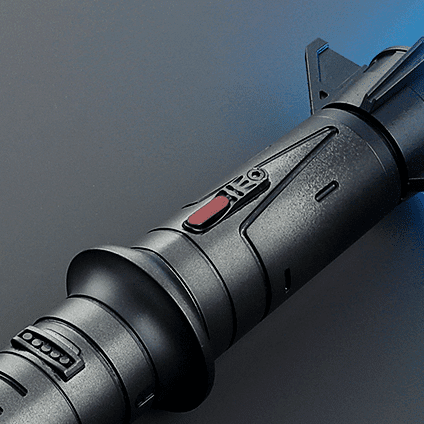
An aid for lightsabers without an illuminated button

Operating premium lightsabers can sometimes be a bit tricky, as they usually don’t have flashing LEDs built in. To facilitate operation, a sound can be activated which beeps every 0.5 seconds when the key is pressed (1x flash = 1x beep, 2x flash = 2x beep etc.).

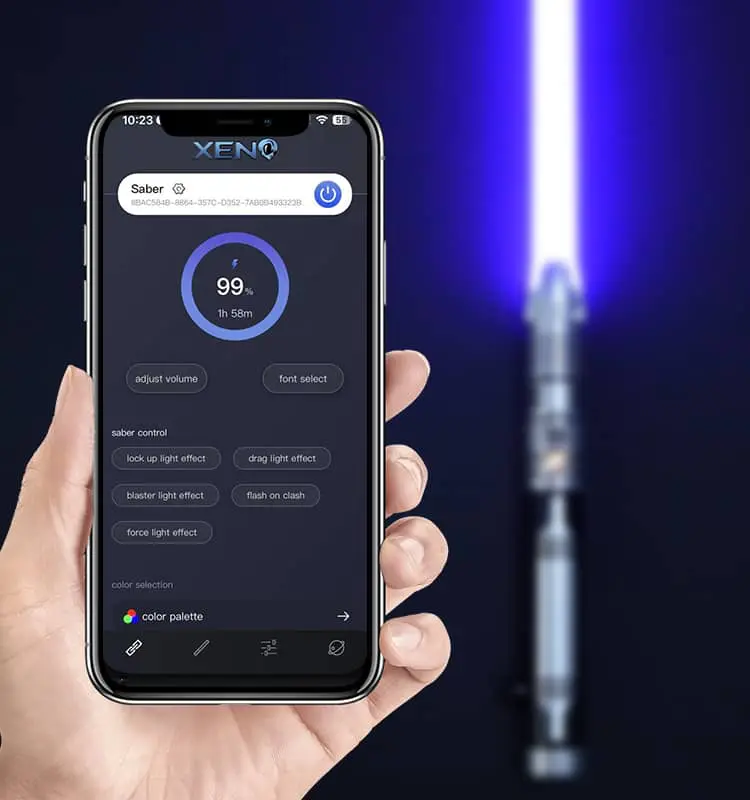
This can be activated in the app under the “countdown” setting.

Alternatively, the settings can be made on the SD card via the PC. To do this, the SD card must be removed. First unscrew the lightsaber and remove the battery. The SD card can then be removed and connected to a PC using the SD card adapter supplied.

In the folder “setting” open the file “config”, then under #SWITCH CONTROL SOUND set countdown=0 to countdown=1 (only set the number “0” to “1”). Now put the SD card back into the lightsaber and then insert the battery.

You will now hear a sound when you hold the button, which makes operation easier.

Further tips and tutorials

This article compares the five best lightsaber retailers worldwide
This guide will help you find the ideal lightsaber for your purpose and budget.
Update your soundboard for new features and improvements
Personalize your lightsaber with your own Soundfont.

Post: Countdown function (acoustic operating aid)

Subscribe to our newsletter

Don’t miss out on news, offers and discounts.