🔥🔥🔥 SALE - BUY NOW 🔥🔥🔥
🚀 FREE 1-DAY DELIVERY
🛡️ 2-YEAR WARRANTY
🎨 3D CONFIGURATOR -> BUILD YOUR OWN LIGHTSABER
🎭 COSPLAY COSTUMES
💎 PREMIUM NEOPIXEL
✨ ADJUSTABLE BLADE COLORS & SOUND EFFECTS
🔄 14-DAY RETURNS
⚔️ DUEL-READY
💳 BUY NOW, PAY LATER
🔥🔥🔥 SALE - BUY NOW 🔥🔥🔥
🚀 FREE 1-DAY DELIVERY
🛡️ 2-YEAR WARRANTY
🎨 3D CONFIGURATOR -> BUILD YOUR OWN LIGHTSABER
🎭 COSPLAY COSTUMES
💎 PREMIUM NEOPIXEL
✨ ADJUSTABLE BLADE COLORS & SOUND EFFECTS
🔄 14-DAY RETURNS
⚔️ DUEL-READY
💳 BUY NOW, PAY LATER

Spring Sale: Free Battle-Saber on orders over 249.-

Code: SPRING-sale

🔥 BIGGEST SALE OF THE YEAR - NOW LIVE! 🔥
✅ CODE: MAY-THE-4TH
⚔️ From 250.-: FREE BATTLE SABER (RGB)
🎁 From 450.-: FREE REPLICA SABER (RGB)
💎 From 650.-: FREE REPLICA SABER (PIXEL)
⏳ LIMITED TIME ONLY - GET YOURS NOW!
🔥 BIGGEST SALE OF THE YEAR - NOW LIVE! 🔥
✅ CODE: MAY-THE-4TH
⚔️ From 250.-: FREE BATTLE SABER (RGB)
🎁 From 450.-: FREE REPLICA SABER (RGB)
💎 From 650.-: FREE REPLICA SABER (PIXEL)
⏳ LIMITED TIME ONLY - GET YOURS NOW!

What are Soundfont?

By uploading Soundfont (= lightsaber sounds) to your Soundboard, you can personalize and expand your lightsaber with new sounds. You can find the procedure for this in these instructions.

Preparation

Necessary hardware: You need a computer and an SD card adapter. Pixel and Proffie lightsabers are supplied with an SD card and the corresponding adapter. For RGB lightsabers, you will also need a microSD card.

Remove SD card

The SD card is located on the soundboard of your lightsaber. Switch off your lightsaber and remove the battery before pulling out the SD card. For a core with killswitch, it is sufficient to set the switch to “off”.

Now remove the SD card by pulling it out of the soundboard and connect it to the PC. Open the directory of the microSD card on your computer. There you will find the folders with the existing Soundfont files.

File structure

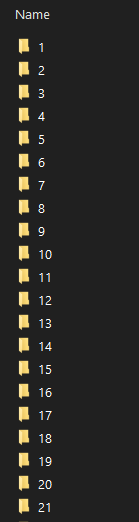
Each Soundfont is saved in its own folder, which is numbered. The first Soundfont is named “1”, the second “2”, and so on. To add more Soundfonts, you can rename the folder of the new Soundfont to the next higher number (if there are already Soundfonts “1” to “34” on your Soundboard, the next one will be named “35”).

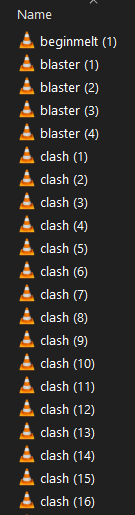
Each folder contains the audio files that characterize the Soundfont. The naming and format of these files is decisive as to whether they are recognized by the soundboard at all. It is important that all audio files are in .wav format and have the same naming structure as the Soundfont already loaded (e.g. “swing (1)”, “melt (1)”, “stab (1)”, etc.).

Download Soundfont

There are now several established Soundfont producers from whom you can download Soundfonts. Some fonts are available free of charge, but most have to be purchased (approx. 5-10 USD per Soundfont).

Here is our recommendation of high quality Soundfont that are compatible with our lightsabers.

Kyberphonic: https://www.kyberphonicfonts.com/

Greyscale Fonts: https://www.greyscalefonts.com/

Jaydalorian: https://www.jaydalorian.com/

Upload Soundfont

Copy the new Soundfont files to the corresponding folder on the microSD card. Make sure that you use the correct file formats and structures that the Xenopixel V3 Soundboard supports.

Safe removal

After you have copied the files, safely remove the microSD card from your computer. Once you have removed the microSD card, carefully reinsert it into the soundboard and make sure that the battery is removed from the core during this process.

Once you have inserted the microSD card, you can reinsert the battery into the Core.

Test Soundfont

Switch on your lightsaber. Test the new Soundfont by going through the different sound options of your lightsaber.

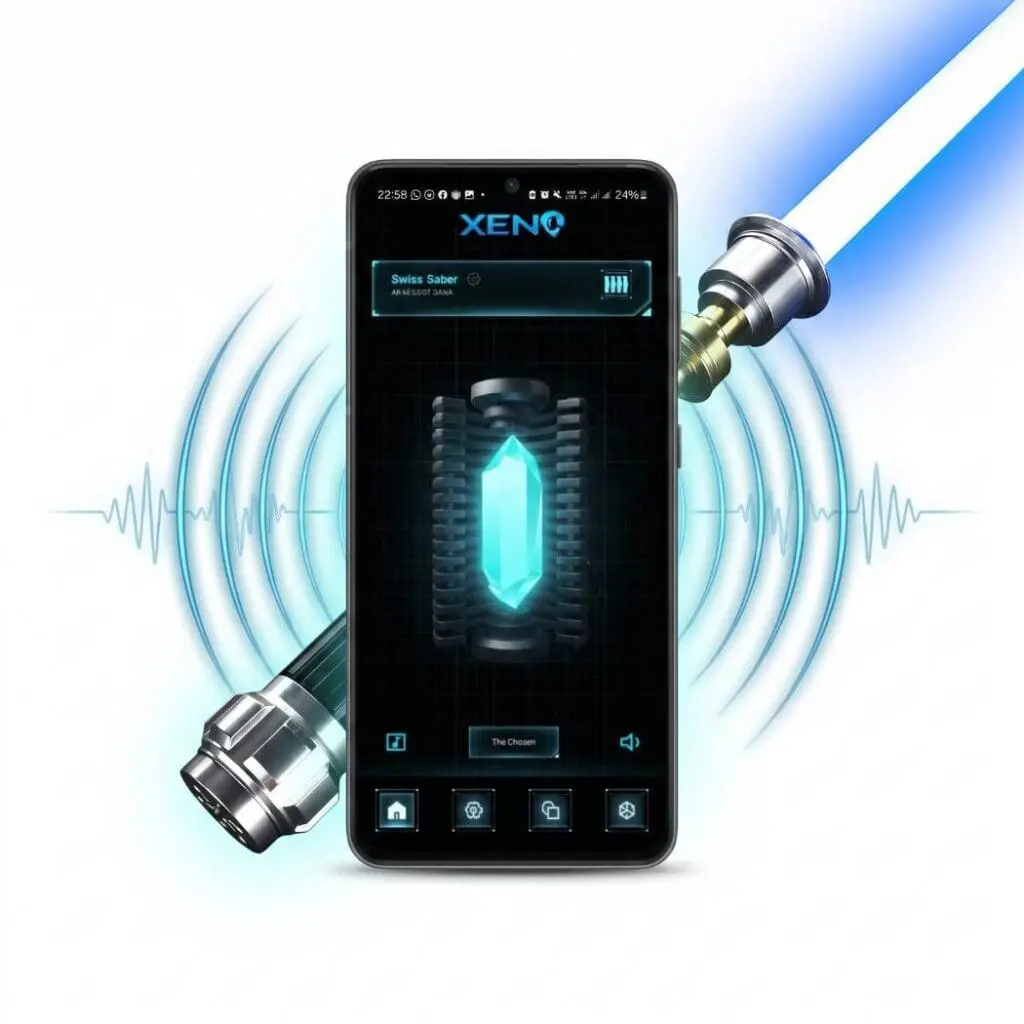
Alternative: Add Soundfont via app

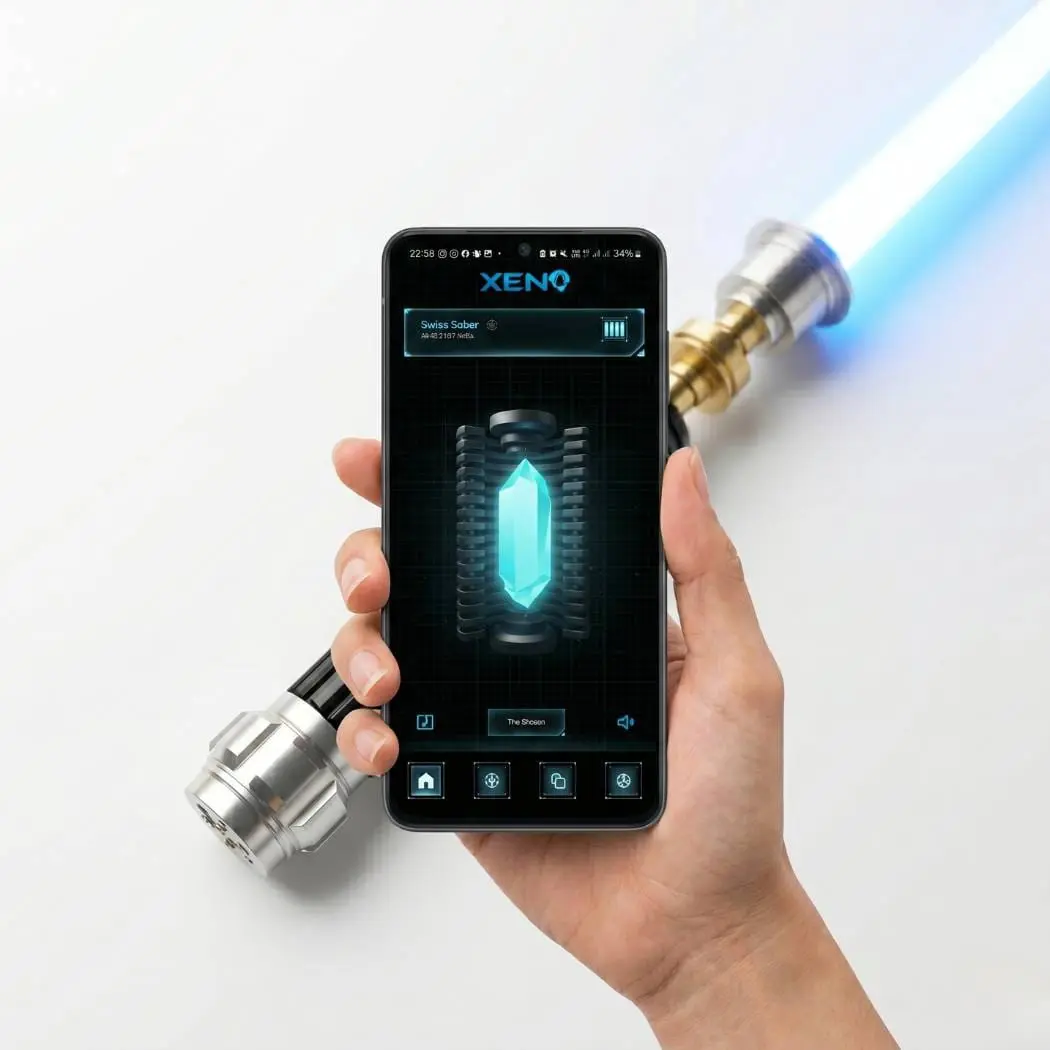
You can also add Soundfont files via the app (under “custom font”). However, we prefer the method via PC, as copying and navigating through the files is easier.

Troubleshooting

Soundfont not working: If a Soundfont does not work, check the file structure and naming. When downloading Soundfont files, you will usually receive the fonts for various soundboards (Proffie, CFX, Xenopixel etc.). It is important that you select the Xenopixel Soundfont for our lightsabers.

Have fun with the new fonts!
Further tips and tutorials

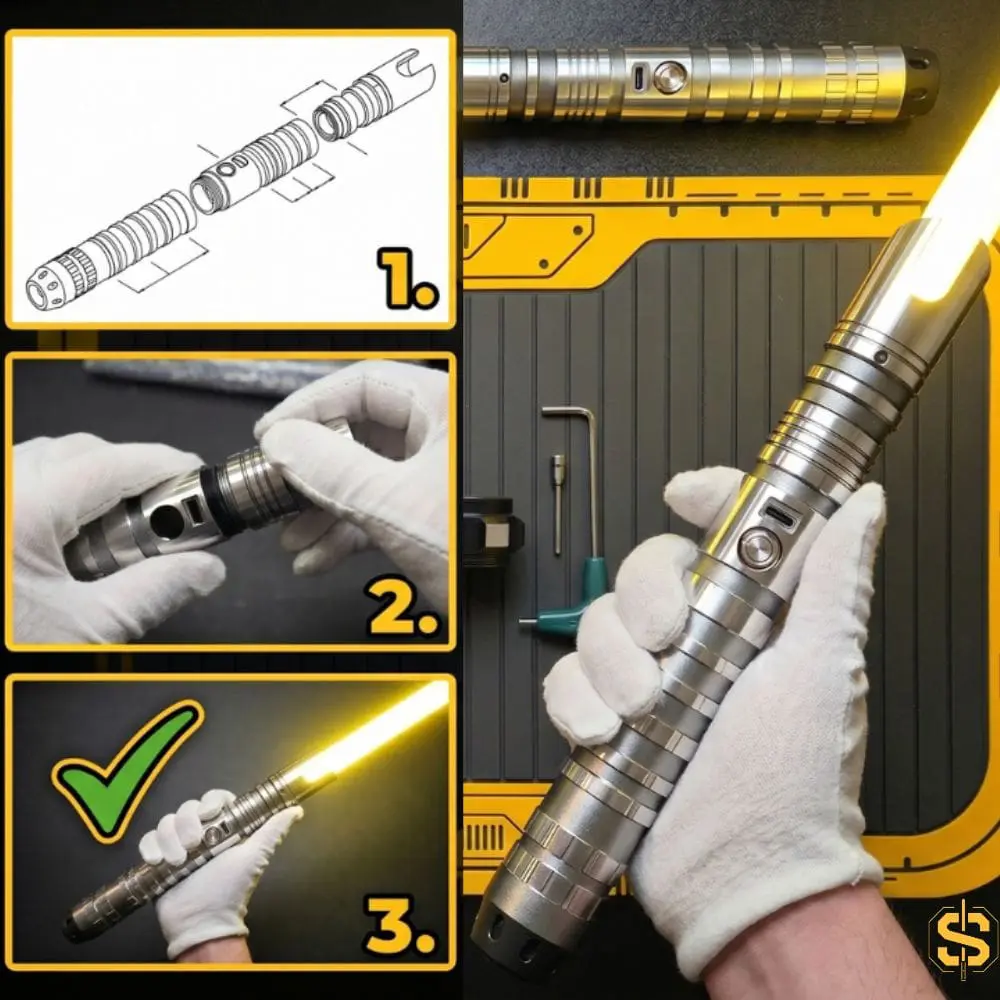
With this compact guide and video tutorial, you will learn how to assemble your very own custom lightsaber from modular VHC components.
This article compares the five best lightsaber retailers worldwide
This guide will help you find the ideal lightsaber for your purpose and budget.
Update your soundboard for new features and improvements
A guide to the perfect alignment of your grip
days
Std
Min
Sec

THE BIGGEST SALE OF THE YEAR! Celebrate with us and get your FREE LIGHTSABER with an order

  • from CHF 250: Free Battle-Saber (Master/Durasaber RGB)
  • from CHF 450: Free Replica Saber (Simplified Edition, RGB)
  • from CHF 650: Free Replica Saber (Simplified Edition, Pixel)

Only for a short time! Strike now!

  • Duration: until 11.05.2026 (while stocks last).

  • Code: MAY-THE-4TH (mandatory in the shopping cart).

  • Levels: 1 gift per order (not cumulative).

  • Returns: If the minimum value is not reached due to a return, the gift must be returned or charged at the normal price.

  • Model selection: Randomly according to availability (no color selection).

days
Std
Min
Sec

THE BIGGEST SALE OF THE YEAR! Celebrate with us and get your FREE LIGHTSABER with an order

  • from CHF 250: Free Battle-Saber (Master/Durasaber RGB)
  • from CHF 450: Free Replica Saber (Simplified Edition, RGB)
  • from CHF 650: Free Replica Saber (Simplified Edition, Pixel)

Only for a short time! Strike now!

  • Duration: until 11.05.2026 (while stocks last).

  • Code: MAY-THE-4TH (mandatory in the shopping cart).

  • Levels: 1 gift per order (not cumulative).

  • Returns: If the minimum value is not reached due to a return, the gift must be returned or charged at the normal price.

  • Model selection: Randomly according to availability (no color selection).

Subscribe to our newsletter

Don’t miss out on news, offers and discounts.