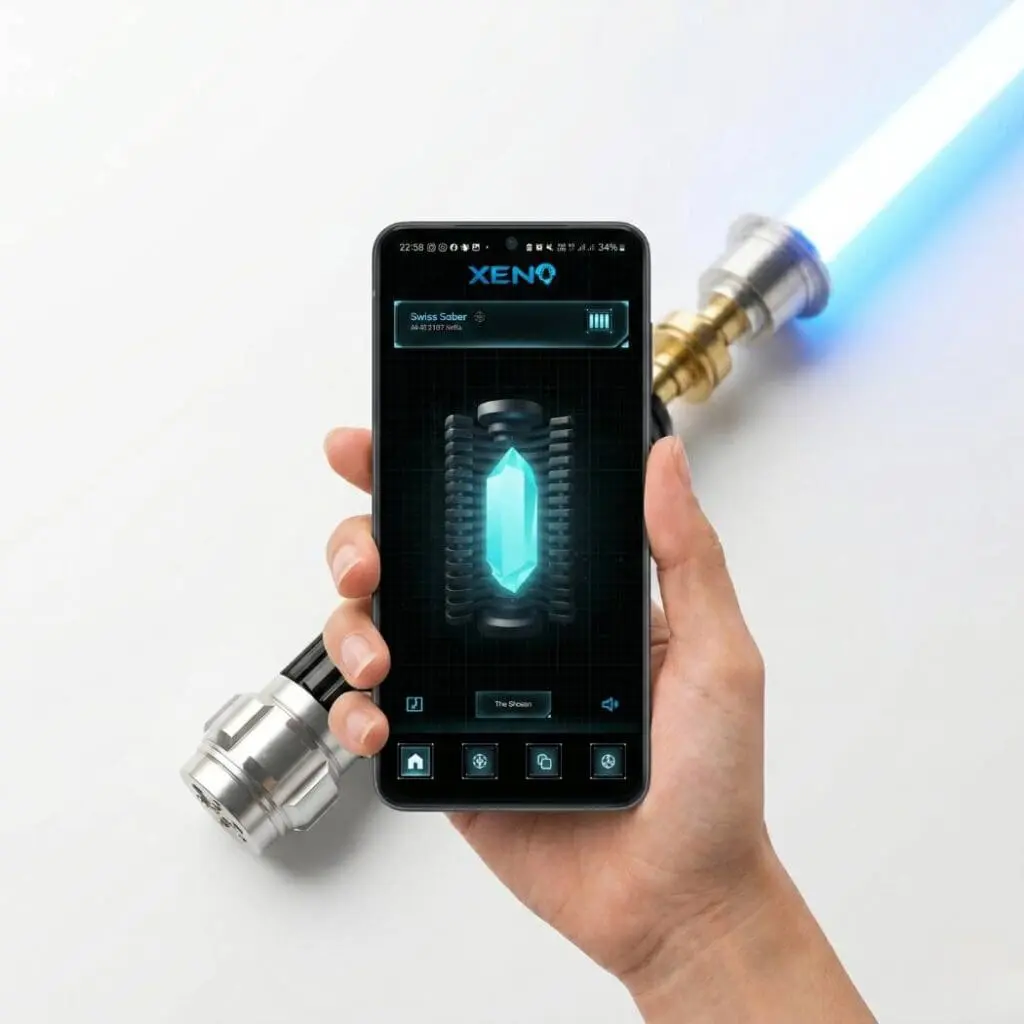
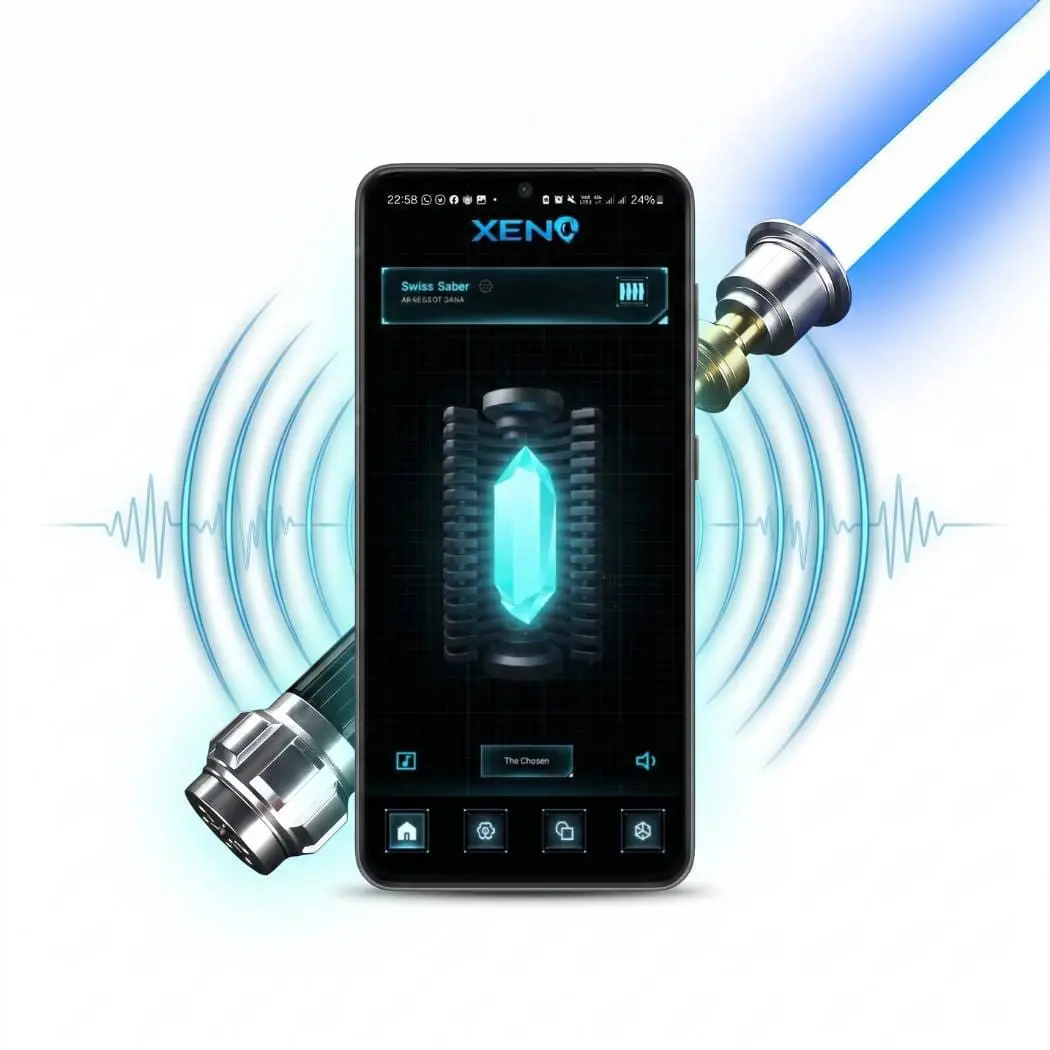
Our Xenopixel v3 soundboards offer a wide range of sound and lighting effects for lightsabers (especially in the Pixel version). But as with any technology, there are occasional updates here as well that bring new features, bug fixes, and improvements. This tutorial shows you how to conveniently and easily update your Xenopixel soundboard via app to keep your lightsaber up to date.
What you need
- Your lightsaber with Xenopixel v3 soundboard (installed in our RGB and Pixel versions)
- A compatible smartphone (iOS or Android)
- The Xeno Configurator app
- A stable internet connection
Download and install the app
You can find the download link here (cl/app-downloadick)
Establishing a connection
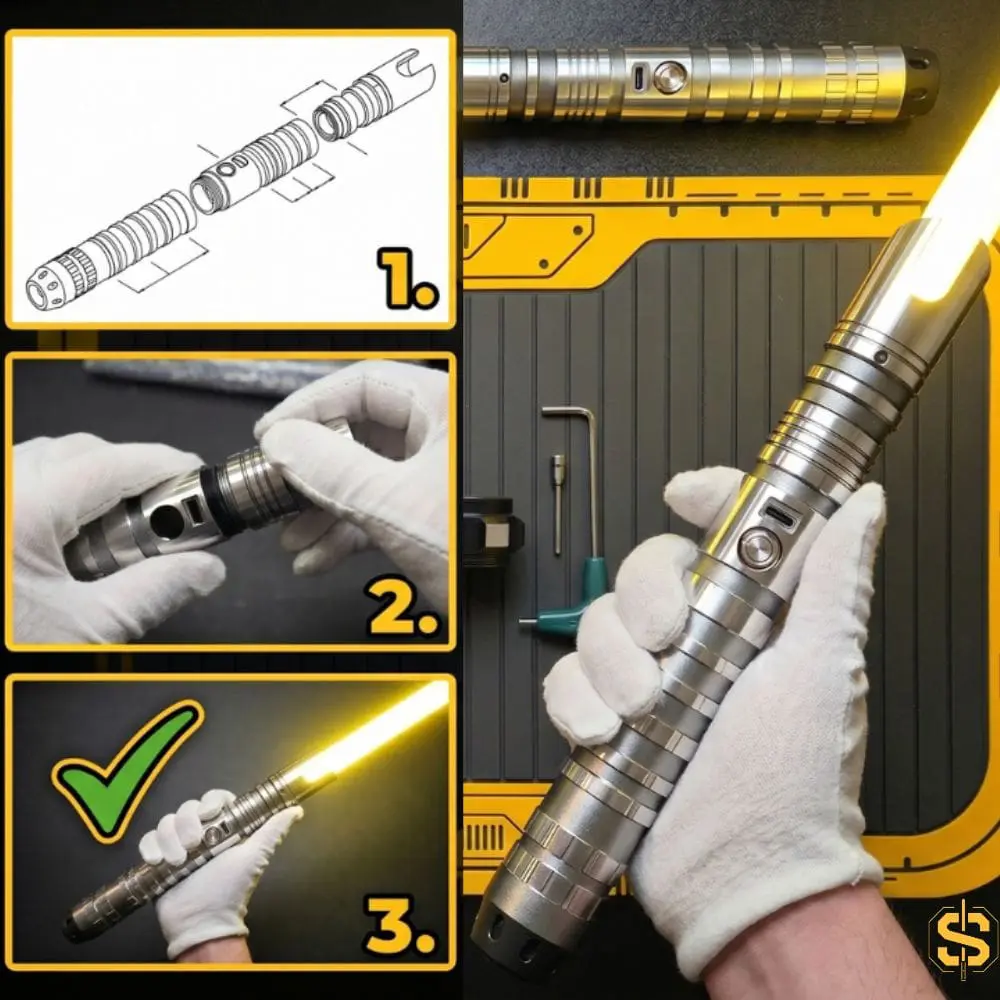
Turn on your lightsaber and activate Bluetooth mode on your smartphone. Open the app and search for your lightsaber. The app should automatically detect your device. Connect the lightsaber (sometimes pairing has to be done twice). If your lightsaber does not appear in the app, open the lightsaber and remove the core from the hilt for a better connection (in rare cases, the metal hilt can block the connection).
Check for updates
In the app, click on the settings icon and then on «Software Update». The latest version is also displayed here (e.g. V1.3.2). If a new version is available, you will be asked whether you want to download it. Confirm this.
Performing the update
The app downloads the update and transfers it to your soundboard. Make sure that the connection is not interrupted during this process and that your lightsaber remains switched on. The update is carried out at your own responsibility. If the connection is interrupted during the update, this can lead to malfunctions and defects!
Restart and test
After the update is complete, your lightsaber should restart automatically. Now test the new functions and sounds to make sure that everything has been installed correctly.
Information
Unfortunately, the app does not currently update directly to the latest version, but step by step to the next higher update: for example from v1.0.0 to v1.1.0, then from v1.1.0 to v1.2.0, and so on. Therefore, the update must be performed several times in succession.
Troubleshooting
If problems such as connection drops or error messages occur during the update, make sure that your smartphone is close enough to the lightsaber and try again. In some cases, it can also help to simply repeat the process.
Also make sure that the correct version is selected under «Firmware» («single button pixel» for Pixel lightsabers and «single button rgb» for RGB lightsabers.
Enjoy the new features of your lightsaber!